
How can I view the section and unit under my KCDIO?
Managers, supervisors, and persons in charge can view the sections and units under their KCDIO through i-First.
1. At the top of the portal, click the Administrator menu.

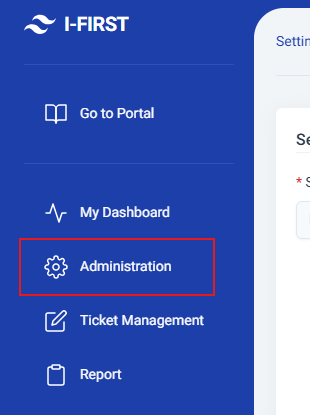
2. Click the Administration menu.
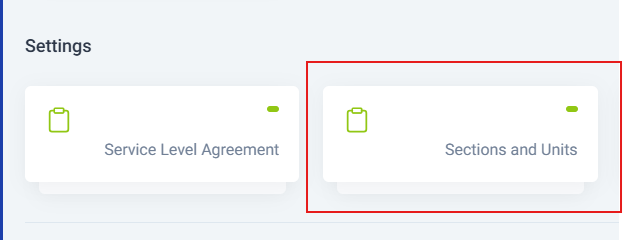
3. Click Sections and Units to view the list and details.
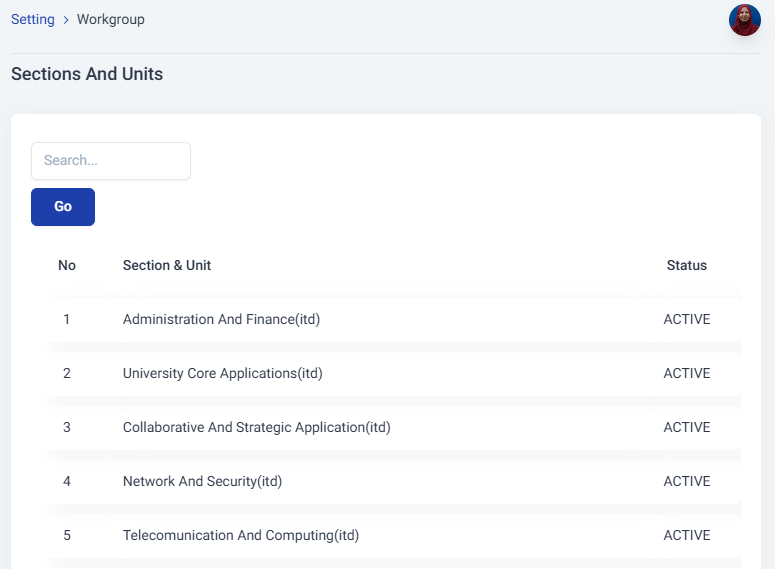
4. The user can view the list of sections and units under their KCDIO.
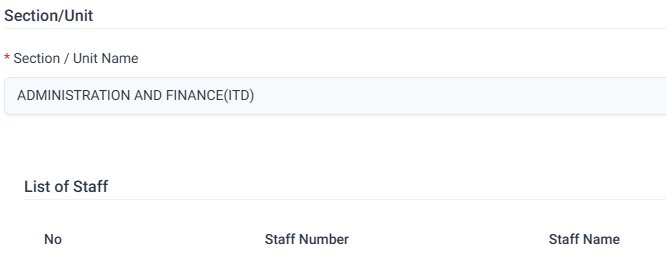
5. Select a unit from the list, for example Administration and Finance (ITD).
6. The user can view the staff under the selected unit or section.
No Comments